

Email threats are persistent and evolving, but with the SLAM method and ongoing vigilance, businesses can better spot the red flags. Education, keen observation, and strict email protocols are your best bet to safeguarding your business in the vast and risky sea of digital correspondence.

Introduction
Businesses are inundated with emails daily. From client inquiries to collaboration opportunities, to invoices and bill payments that regularly come in, the inbox is a bustling hub of potential growth—and potential threats. As savvy cyber attackers become more adept at disguising malicious emails, businesses must dissect the legitimacy of every message received. Enter the SLAM method, a straightforward approach to separating the wheat from the chaff. But what is the SLAM method, and what risks do illegitimate emails pose to users?
Dissecting SLAM: Your Defense Against Email Fraud
 SLAM is an acronym that stands for Sender, Links, Attachment, and Message. It’s an easy-to-remember checklist that businesses can use to assess the credibility of an email. This method serves as a frontline defense against phishing attacks, malware, and other email-based security risks.
S – Sender: Verify Who’s Contacting You
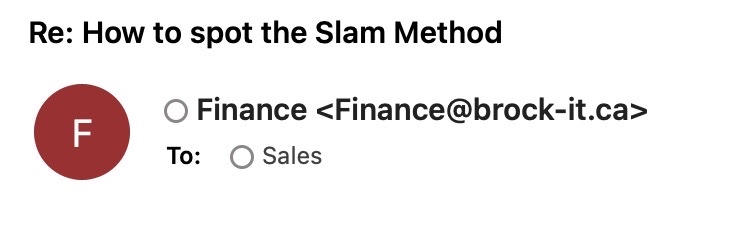 Check the Email Address: Verify that the email comes from a known and trusted sender. Look beyond the display name and examine the actual email address for any irregularities or suspicious elements.
Look for Impersonation: Be wary of emails pretending to be from reputable companies or contacts but with slight variations in the email domain or unusual senders.
L – Links: Hover Before You Click

Hover, Don’t Click: Before clicking on any links, hover over them to preview the URL. Ensure it leads to a trustworthy and expected website.
Check for Relevance: All links in the email should be relevant to the message context and from credible sources.
A – Attachments: A Possible Digital Trojan Horse
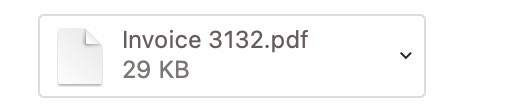
Unexpected Attachments: Be cautious of unsolicited attachments, especially from unknown senders. These can often contain malware or viruses.
File Types: Be particularly wary of file types that are known to be risky or uncommon, such as .exe, .scr, or .zip files.
M – Message: It’s Not Just What They Say, But How They Say It
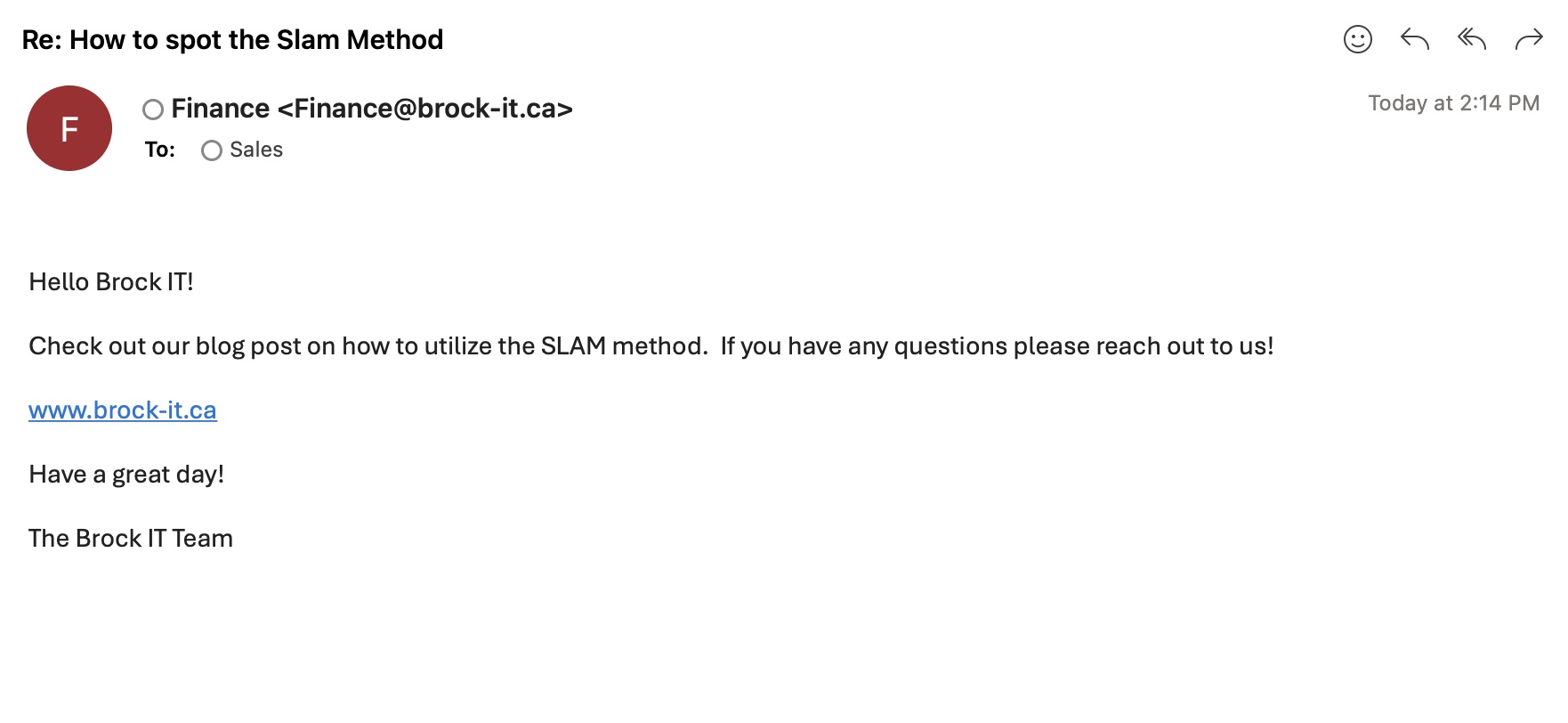
Content and Context: Assess the email’s content for anything unusual, such as urgent or threatening language urging immediate action, poor grammar, and spelling mistakes, which are common in phishing attempts.
Request Verification: If the email asks for personal information, credentials, or financial details, verify its legitimacy through other means. Contact the sender directly using a known and trusted method other than the one that they are contacting you on.
Remember
- When in doubt, don’t click. Take your time to evaluate the email using the SLAM method.
- Keep your antivirus software and email filters updated to help screen potential threats.
- Educate yourself and others on the latest types of email scams and phishing tactics.
- By applying the SLAM method, you can enhance your email security practices and better protect yourself from cyber threats. Stay vigilant and cautious with every email, as it’s always better to be safe than sorry.
Conclusion
Falling victim to a scam email can have dire consequences for businesses. It can lead to data breaches, financial loss, and tarnished reputations. The unintentional disclosure of sensitive information not only jeopardizes your company’s security protocols but can also put your clients at risk.
Recognizing and avoiding these threats requires a vigilant and knowledgeable staff. Regular training sessions on email security awareness and the SLAM Method can empower your employees to become a human firewall against fraudulent activities.


